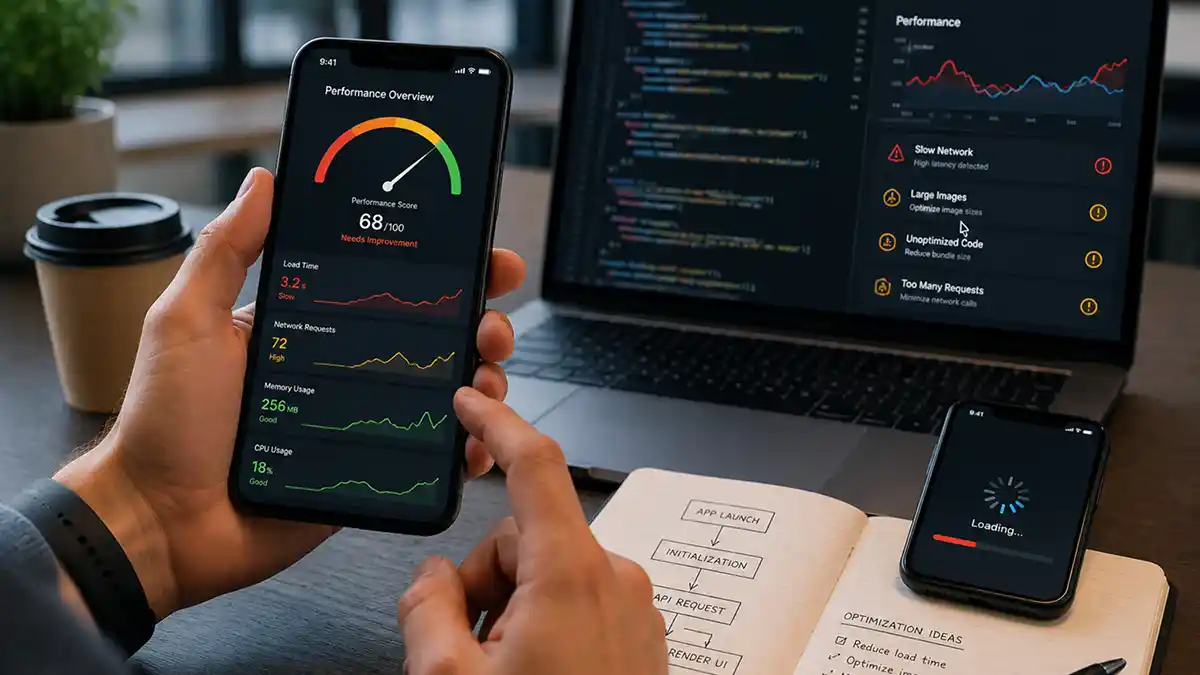
App store ratings are brutal and honest. “Works great but slow to load” translates directly into a two-star review and an uninstall. Performance is not a nice-to-have. It is a product requirement.
Here are the most common performance problems we see in mobile codebases — and how to fix them.
Slow startup
The first few seconds decide whether a user stays. Apps often do too much before showing anything: initialising every library, loading all data, running migrations. Show the first screen as early as possible and defer everything that is not needed for it.
Blocking the main thread
Any operation that takes more than 16ms on the main thread causes a dropped frame. Database reads, network requests, image decoding — all of these belong on background threads. If you are not explicitly managing your thread pool, you are probably blocking.
Over-fetching data
Most mobile apps request far more data than they display. A paginated list of 20 items should not require fetching 500 rows from the server. Implement pagination, lazy loading, and request scoping at the API layer.
Also check how many requests one screen makes. Ten small calls on a mobile connection are slower than one well-designed call.
Unoptimised images
Images are the single largest contributor to memory pressure in most mobile apps. Use WebP, size images to their display dimensions (not full resolution), and cache aggressively. A 4MB hero image on a 360px-wide screen is a product bug, not a design decision.
Lists that redraw everything
Long lists should only build the rows that are on screen and reuse them while scrolling. Rebuilding an entire list when one item changes is one of the most common causes of stutter in both native and cross-platform apps.
No offline strategy
Users lose connectivity. If your app crashes or becomes completely unusable without a network connection, you are building a bad product for most of the world. Implement optimistic UI, local caching, and graceful degradation.
Memory leaks and battery drain
An app that slows down the longer it is open usually has a leak: listeners never removed, timers never cancelled, images never released. Background work that wakes the device too often drains the battery, and users notice which app is responsible.
Perceived speed matters as much as real speed
- Show placeholder layouts instead of a blank screen or a spinner.
- Respond to a tap immediately, then load.
- Update the screen optimistically and correct it if the request fails.
- Keep the last known data visible while refreshing.
Measure on real devices
A flagship phone on office Wi-Fi hides every problem. Test on older, cheaper devices and on a slow network, because that is what many of your users have. Use the platform profilers to find the actual cause before changing code, and track startup time, frame rate and crash rate in production so regressions are caught early.
Make it part of the process
Set a performance budget, such as a maximum startup time and app size, and check it on every release. Performance that is not measured gets worse with every feature.
Building or fixing an app? See our mobile app development services, compare Flutter and React Native, or hire dedicated mobile developers.